The Weekly YouTube Studio
A weekly YouTube channel. It picks topics from real demand, writes scripts in your voice, narrates with ElevenLabs, edits in
Descript, designs two thumbnails in
Canva, publishes to
YouTube with chapters and Shorts, then improves the next episode with the Theo Park’s Promise → Proof → Payoff.
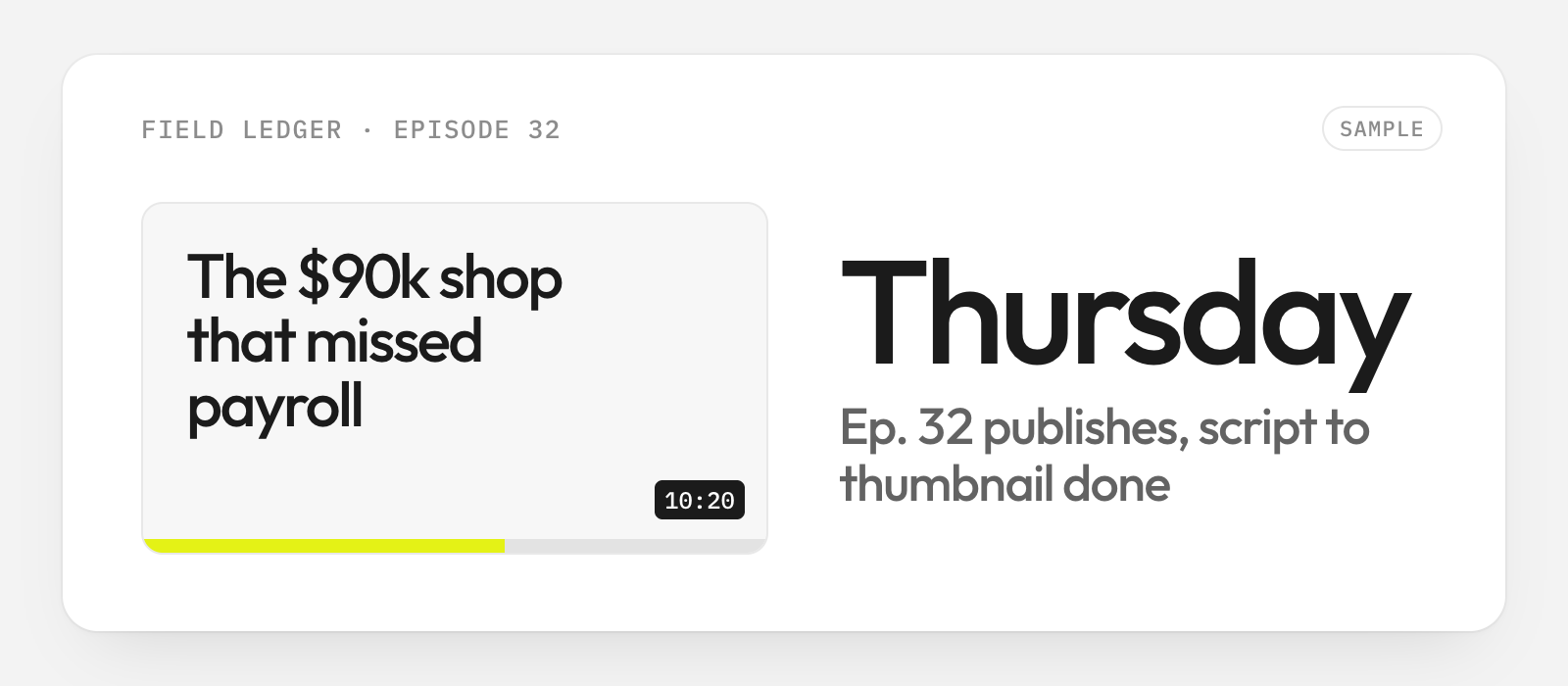
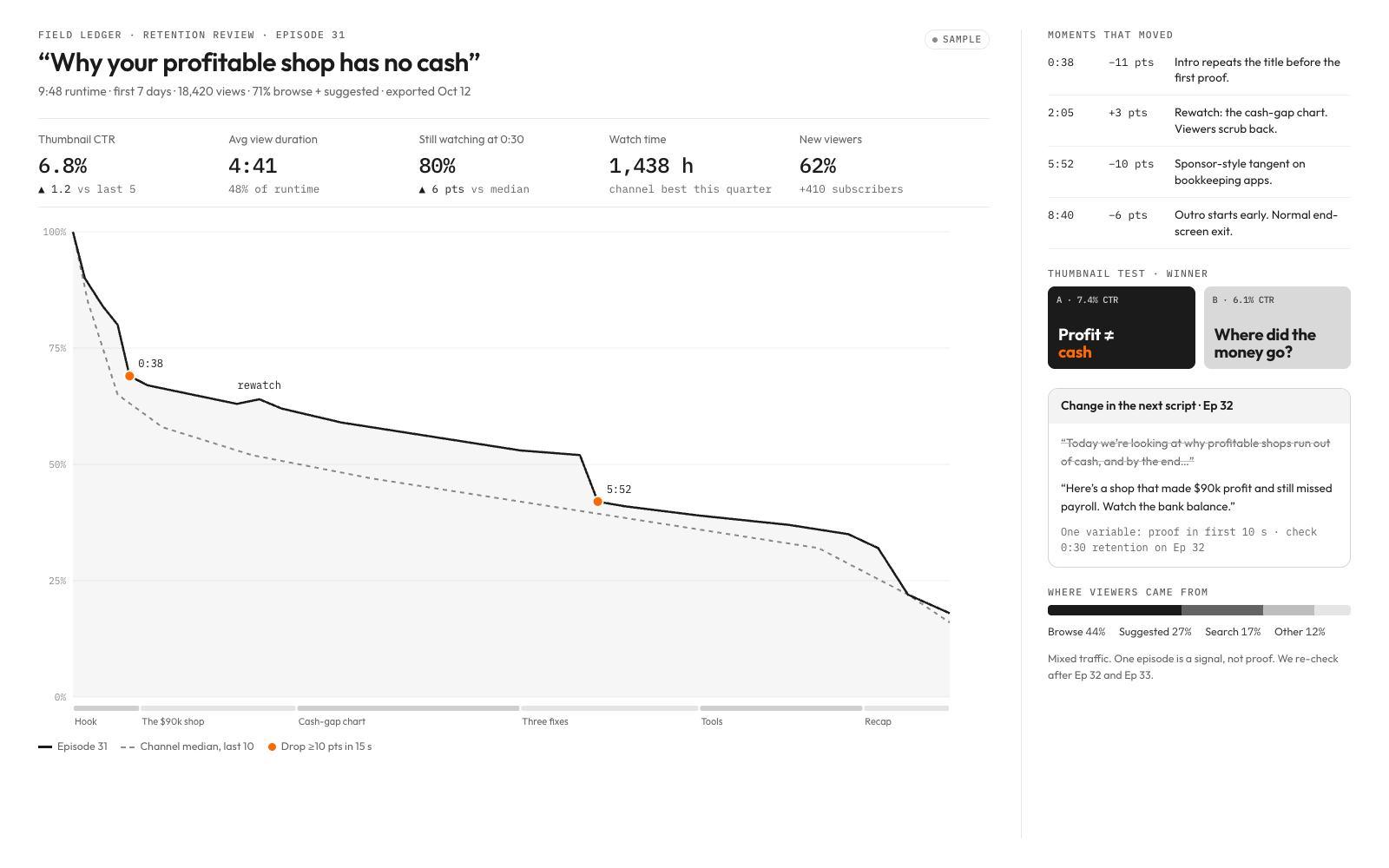
Each episode now ships with two thumbnails and three Shorts, and the next script fixes the biggest drop-off.
See changelog ›See what it makes
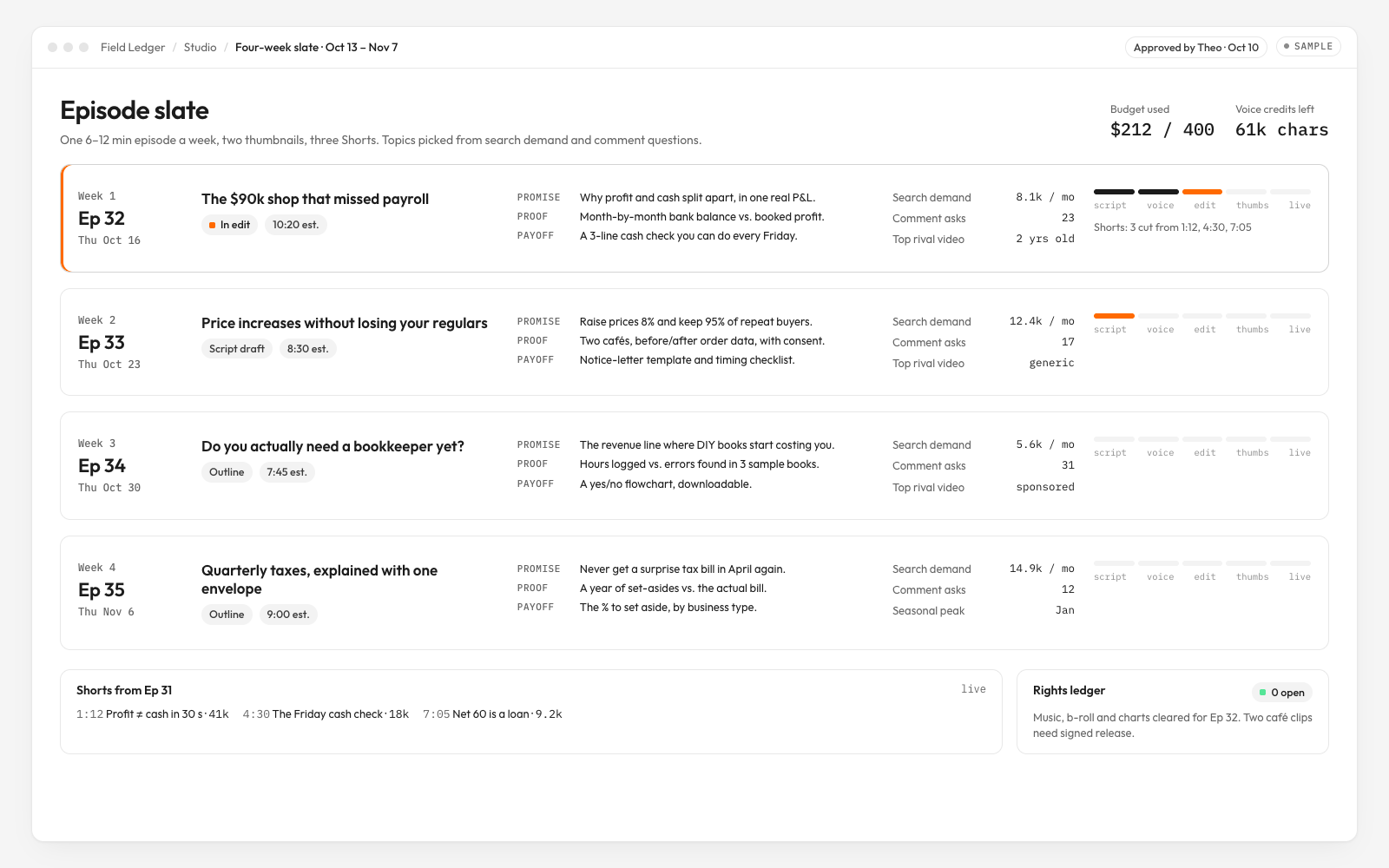
Sample results, generated to show the format.
What you get
- A four-week editorial slate and a repeatable weekly production board
- One 6–12 minute episode per approved weekly cycle, two thumbnail variants and metadata package
- Three 20–45 second Shorts per episode with captions and source timecodes
- An owned voice-and-editing playbook, rights ledger and publication approval register
How it runs
Every kit runs in four moves. Risky steps always ask you first. How kits work ›
- 01UnderstandResearches your business first, then asks you 8 questions it can't answer alone
- 02Choose4 A/B choices with examples
- 03Build14 steps, risky ones ask you first
- 04Deliver6 checks before delivery
Tools it uses
Estimated costs. You pay each tool directly, not Clone Kit. Your AI checks which ones you already have.
YouTube Studio + Data and Analytics APIsPlatform free; verify quotas and eligible channel features
NotionUS$0–30/editor/mo estimate
Google TrendsFree
CanvaUS$0–25/editor/mo estimate. Or use Figma
ElevenLabsUS$5–99/mo estimate; generation budget approval required
DescriptUS$15–50/editor/mo estimate. Or use Adobe Premiere Pro
Connect your AI
Connect once. Then any kit runs in the assistant you already use.
- 1Open Settings → Connectors.
- 2Add a custom connector and paste the link below.
- 3In a new chat, ask for the kit by name.
Then say: “Run The Weekly YouTube Studio” or use the id @channelworks/youtube-studio.
Details
What the creator's process is built on. Your AI loads them during the run.
- SkillTheo Park’s Promise → Proof → Payoff
Creator-owned sample technique: every opening promise has a demonstrated answer before the CTA. Full rubric: templates/episode-brief.md.
- SkillTheo Park’s Retention Surgery
Cut one cause, change one script variable, compare matched traffic; templates/retention-review.md.
- Source
Google’s official guidance; interpret dips and spikes with the transcript. Not affiliated with Google.
- Source
Official feature eligibility and watch-time testing. Read capabilities in the buyer’s account before promising a test.
- Source
Official chapters guidance; validate the exported timecodes.
- TemplateEpisode release manifest
Local: templates/release-manifest.md. Exact hashes, channels, publish slots and rollback authority.
- TemplateWeekly production budget
Local: templates/studio-budget.csv. Tool credits, retries and per-episode stop limits.
- TemplateResearch-first business diagnosis
templates/business-research.md — source register, dated baseline, ranked hypotheses and only unresolved owner decisions.
- Channel access with scoped roles, three authorized creator scripts and ten comparable episode exports if available
- A business offer, target viewer, proof assets, brand files and rights/voice permissions
- Weekly time and tool-credit budgets, approval owner and publish schedule
- Every run executes Research the business before understand and choose. Ask only unresolved goals, constraints, taste, private consent and red lines; refresh evidence before the next operating cycle.
- Do not promise subscribers, views, revenue or a statistically conclusive winner.
- Every publish, audience reply, paid generation and production setting change requires scoped owner approval.
- Type
- Capability
- License
- Client use
- Refund
- Cancel anytime
- Runs completed
- 0